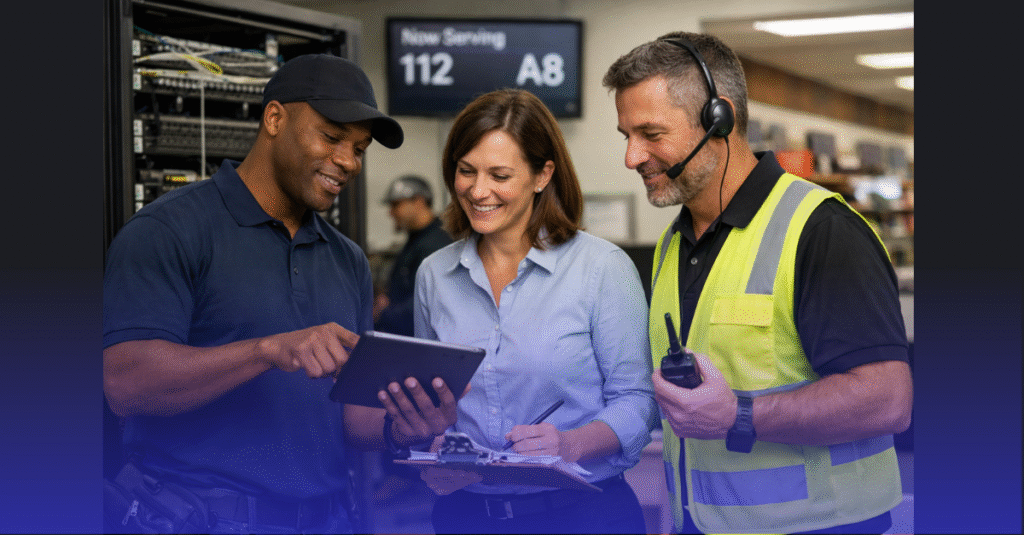


Relocating critical IT infrastructure is one of the most sensitive operations an enterprise can execute. Whether shifting to a new data center, consolidating physical environments, modernizing outdated facilities, or transitioning to a higher-tier colocation, the process introduces operational, security, and compliance risks that can impact every layer of the organization.
For CISOs, Data Center Architects, and Compliance Managers—especially in finance, healthcare, and technology industries—risk mitigation is not optional. It is the foundation of a successful infrastructure relocation. Every cable, rack, storage array, and server affected by the move represents a potential point of failure if not planned and executed with precision.
This guide outlines the strategies, safeguards, and best practices needed to mitigate risk and ensure zero downtime during critical infrastructure relocation.
Why Infrastructure Relocation Is High-Risk by Nature
Infrastructure moves affect core business functions. Risks arise from:
- Power transitions
- Network re-routing
- Application failover
- Migration of high-availability clusters
- Data replication delays
- Physical handling of sensitive hardware
- Loss or corruption of configuration files
- Compliance exposure
- Human error under time pressure
Without a structured risk mitigation plan, even small disruptions can cascade into outages or data integrity issues.
Regulated industries face even higher stakes due to strict requirements from frameworks like SOC 2, HIPAA, PCI-DSS, ISO 27001, and FedRAMP.
Conducting an IT Infrastructure Risk Assessment
Start With a Comprehensive Risk Inventory
Identify risks across five categories:
- Operational Risks — Uptime, latency, failover, service disruption
- Security Risks — Unauthorized access, data exposure, chain-of-custody failures
- Compliance Risks — Missing documentation, invalidated certifications
- Physical Risks — Rack instability, transport damages, cooling failures
- Human Risks — Misconfigurations, communication gaps, incorrect sequencing
A full inventory ensures risk mitigation is proactive—not reactive.
Map Application and Infrastructure Dependencies
Dependency mapping must include:
- Database replication links
- API traffic flows
- Web tier connections
- DNS and CDN dependencies
- Authentication and identity systems
- Storage and SAN relationships
- Routing and firewall rules
- Hypervisor and cluster connections
A move cannot begin until every dependency is documented.
Planning a Zero-Downtime Relocation Strategy
Run Infrastructure in Parallel
The safest method for relocation is parallel operation:
- Existing environment stays active
- New environment is fully built and tested
- Replication runs continuously
- Traffic is cut over only when validated
Parallelization drastically reduces downtime risk.
Use Phased Migration Instead of a Full Cutover
Phased relocation includes:
- Moving non-critical systems first
- Then support systems
- Then core applications
- Finalizing Tier 0 and Tier 1 systems last
This approach distributes risk and ensures issues can be addressed without impacting the entire infrastructure stack.
Create a Sequenced Cutover Plan
The cutover plan must specify:
- Exact order of server shutdowns
- When replication stops and restarts
- How identity services fail over
- When firewalls and switches transition
- Testing steps between phases
- Validation steps before committing traffic
Precise sequencing prevents cross-system failures.
Securing Physical and Environmental Risk Factors
Implement Strict Chain-of-Custody Procedures
For compliance-driven relocations:
- Use tamper-proof seals
- Log each handler and timestamp
- Track GPS routes of transport vehicles
- Document equipment condition pre/post move
- Require dual-technician handling for sensitive hardware
A chain-of-custody breach is a major compliance failure.
Evaluate Environmental Readiness at the New Site
Before moving equipment, validate:
- Power load capacity
- Dual power feed functionality
- UPS resilience and battery health
- Generator readiness
- Cooling redundancy (N+1, 2N, etc.)
- Rack stability and seismic bracing
- Fire suppression systems (FM200, Novec 1230)
- Cable pathways and labeling
Environmental validation prevents failures during racking.
Protecting Data Integrity During Relocation
Use Continuous Replication and Real-Time Sync
To avoid data loss:
- Mirror storage arrays
- Use hypervisor replication (vMotion, Hyper-V Replica)
- Synchronize databases continuously
- Validate journal logs and snapshots
- Monitor replication lag in real time
Data integrity must be preserved even as systems transition physically.
Encrypt Data During Transit and Storage
For regulated environments:
- Ensure encrypted backups
- Enforce TLS for any live data transit
- Maintain disk encryption before, during, and after transport
- Securely store encryption keys and restrict access
Encryption protects data during every migration step.
Validate Integrity After Each Move Phase
Test:
- Database consistency
- API calls
- Authentication workflows
- Application error logs
- SAN failover
- Certificate chains
Integrity must be validated before allowing user traffic.
Minimizing Human Error During Migration
Develop a Unified Migration Playbook
The playbook must outline:
- Step-by-step technical procedures
- Team roles and responsibilities
- Communication channels
- Escalation paths
- Backup procedures
- Rollback steps
- Safety and compliance requirements
The more standardized the playbook, the lower the human-risk impact.
Conduct Rehearsal and Simulation Exercises
Simulate:
- Power transitions
- Network outages
- Failover events
- Partial data loss scenarios
- Hardware failures
- Cutover sequence errors
Simulations expose weak points and reduce real-world errors.
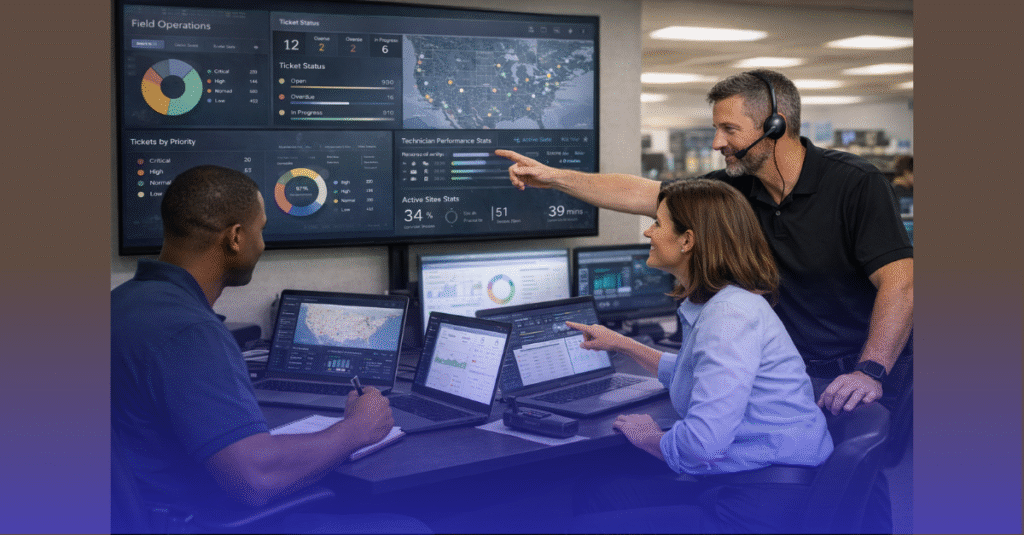
Maintain a Real-Time Command Center During Migration
A command center ensures:
- All teams receive real-time updates
- Problems are identified immediately
- Compliance officers validate logs
- Architects approve sequencing transitions
- Support teams monitor application health
Central coordination reduces reaction time and escalates issues quickly.
Compliance Alignment Throughout Relocation
Maintain Documentation at Every Step
Audit-ready documentation must include:
- Rack elevation diagrams
- Asset inventories
- Migration logs
- Chain-of-custody records
- Network diagrams
- Firewall rule changes
- Certificates and key management details
- Testing and validation reports
Documentation is essential for SOC 2, PCI, HIPAA, and ISO audits.
Ensure Controlled Access at Both Sites
Critical controls:
- Restricted physical access
- Authentication audits
- Temporary access logs
- Visitor escorts
- Badge access validation
- CCTV monitoring
- Environmental sensors
Access must remain compliant before, during, and after relocation.
Validate Compliance Controls After the Move
Post-migration checks should confirm:
- Firewall policies
- Encryption standards
- SIEM and logging pipelines
- Backup integrity
- DR/BCP alignment
- Application performance
- Certificate trust chains
Compliance does not pause for a move—controls must function continuously.
Post-Relocation Stabilization
Implement a 72-Hour Deep Monitoring Window
Monitor:
- Latency and throughput
- Application performance
- Hypervisor cluster stability
- Replication logs
- Storage I/O
- Firewall and IDS/IPS events
- Cooling temperatures
- Power load distribution
Early detection prevents long-term issues.
Conduct a Post-Migration Risk Review
Evaluate:
- Remaining vulnerabilities
- Lessons learned
- Drift between intended and actual configurations
- Operational gaps
- Residual compliance risks
This review strengthens future relocations.
Preparing for Future Infrastructure Moves
Standardize Architecture and Procedures
Creating repeatable, modular processes ensures:
- Faster migrations
- Lower costs
- Fewer surprises
- Predictability across sites
Standardization becomes a long-term risk reduction tool.
Keep Infrastructure Migration-Ready
Enterprises that move frequently should adopt:
- Virtualization-first strategies
- Modular racks
- Cloud-based replication
- Automated configuration management
- Consistent cabling and power designs
The more migration-ready the infrastructure, the lower the relocation risk.
Track and Train Staff Continuously
Teams should be trained on:
- Compliance updates
- New hardware
- Migration technologies
- Updated failover procedures
Strong staff readiness is one of the best protections against risk.
Ready to Reduce Risk During Your Infrastructure Relocation?
All IT Supported helps enterprises plan and execute critical infrastructure relocation with zero downtime, full documentation, and strict compliance alignment. From risk assessments to full-scale data center moves, our engineers ensure your systems remain protected every step of the way.
👉 Check our services to see how we support complex, compliance-driven infrastructure relocation projects.