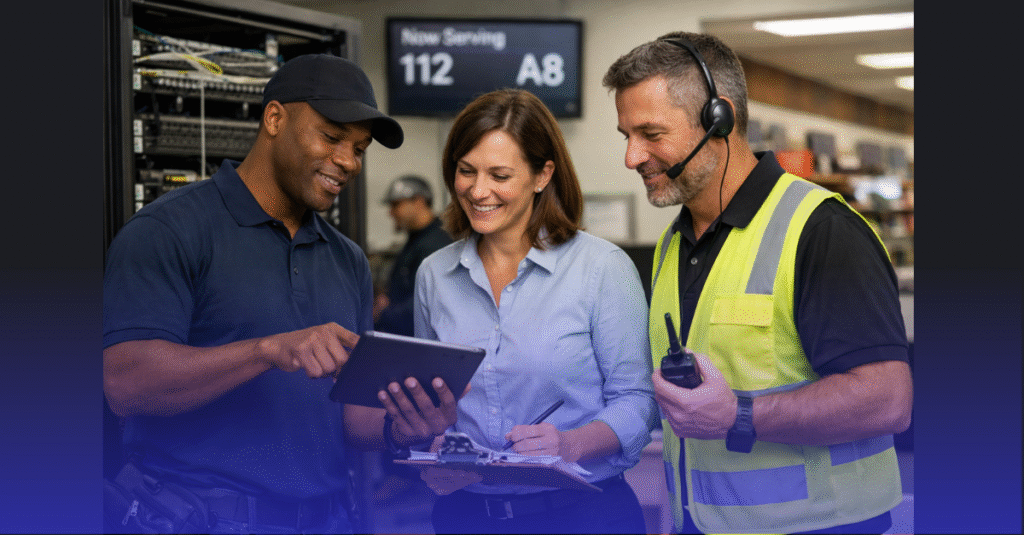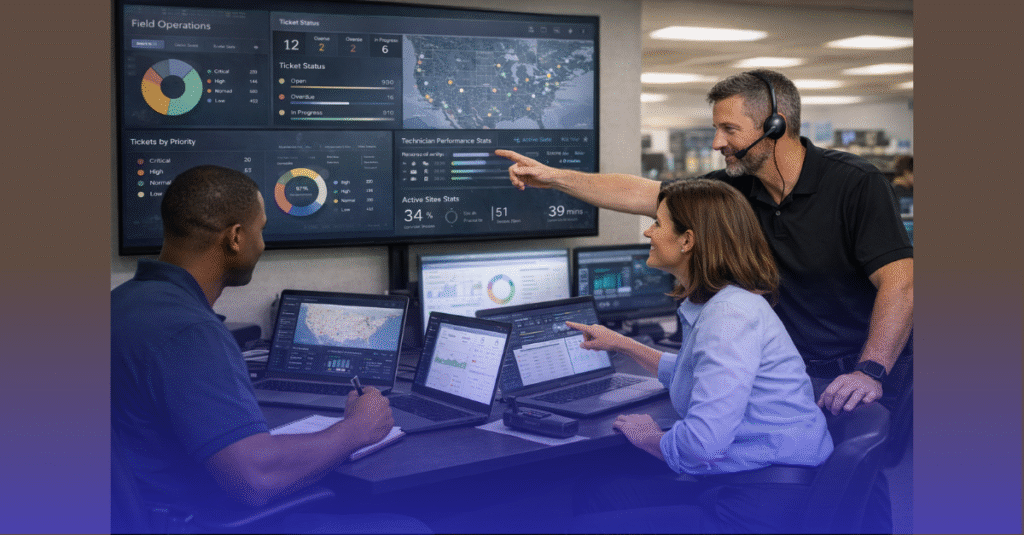


When retailers scale new locations or refresh existing ones, much of the spotlight falls on the IT teams, field technicians, and deployment engineers. But behind every smooth rollout is a store manager who plays a critical, often underestimated role in ensuring the success of the deployment. Store managers are the bridge between corporate IT leadership and the day-to-day realities of the store environment—coordinating access, aligning schedules, managing staff expectations, and protecting the operational readiness of the location.
For Retail IT Directors, Franchise Owners, and Regional Operations Managers, empowering store managers with clear roles, responsibilities, and IT onboarding processes is essential for consistent, fast, and high-quality technology deployments across a nationwide retail network.
This guide outlines how store managers influence IT deployment success, the tasks they must own, the information they need, and the processes that help them support technology rollouts effectively.
Why Store Managers Matter in Every Retail IT Deployment
Store managers have frontline visibility that corporate IT teams and regional leadership do not. Their involvement directly affects:
- Access to the store and restricted areas
- Coordination with construction and contractors
- Timing of installation windows
- Compliance with store policies
- Staff training and communication
- Protection of inventory and assets during installation
- Speed of issue resolution
- Readiness for store opening day
Without strong store manager participation, deployments face delays, miscommunication, and operational bottlenecks.
Key Responsibilities Store Managers Should Own
Coordinate Onsite Access for IT Teams
Store managers must ensure:
- Technicians can enter the store at scheduled times
- Alarm and security systems are temporarily configured
- Power and lighting are available during installation
- Back-office and network closet areas are accessible
- Any required key holders are present
Access issues are among the leading causes of rollout delays.
Validate Site Readiness Before IT Arrives
Store managers should confirm:
- Construction is complete and inspected
- POS counters are installed
- Ceiling tiles are in place (or open if APs/CCTV require access)
- Cabling conduits are unobstructed
- Racks, cabinets, and counters are anchored
- Power outlets are active
IT teams should only arrive when the site is fully ready for install.
Oversee Hardware Deliveries
Store managers are the first point of contact for shipments. Their responsibilities include:
- Receiving IT kits and verifying quantities
- Reporting damaged or missing items
- Storing equipment securely
- Notifying operations and IT of arrival
- Ensuring boxes are not moved or rearranged before install
This prevents misplaced devices and accidental installations with the wrong hardware.
Partnering With IT Teams During Installation
Provide Real-Time Store Context
Store managers understand:
- Customer flow patterns
- High-visibility zones
- Theft-prone areas
- Back-office constraints
- Where POS, AP, and CCTV placements might need adjustment
Their insights ensure tech placement aligns with operational needs.
Support Technicians With Onsite Logistics
Store managers help IT teams by:
- Clearing work areas
- Directing technicians to correct cable routes
- Locating power panels and breakers
- Providing access to stockrooms and ceilings
- Coordinating with electricians or contractors
- Approving safe installation practices
Smooth coordination reduces install time and improves accuracy.
Manage Staff Disruption Reduction
During deployments, staff workflows are impacted. Store managers must:
- Adjust task schedules
- Redirect staff away from installation zones
- Inform teams about temporary outages
- Monitor customer impacts (for active stores)
- Make real-time adjustments to store operations
This keeps the store productive even during large-scale installations.
Store Manager Responsibilities for Technology Validation
Conduct Basic Functionality Checks Before IT Teams Leave
Store managers should confirm:
- POS terminals are online
- Transactions run without errors
- Wi-Fi works for staff devices
- Guest Wi-Fi displays the correct splash page
- Cameras show proper coverage
- Back-office systems can access required applications
- Printers and scanners operate correctly
Their approval helps IT teams catch missed issues early.
Assist With Go-Live Day Validation
Store managers lead on-the-ground verification, including:
- Test transactions under real customer load
- Validate AP coverage during peak hours
- Confirm CCTV visibility in customer hot zones
- Monitor payment performance (tap, chip, swipe)
- Check digital signage and price updates
- Report bottlenecks to remote IT teams
Managers ensure a stable transition to full operation.
Communication and Escalation Duties
Act as the Communication Anchor Between Store and IT HQ
Managers must keep all teams aligned by:
- Reporting installation progress
- Confirming completed milestones
- Raising red flags immediately
- Updating regional managers
- Collecting staff feedback on system behavior
Strong communication prevents escalation delays.
Execute the Escalation Matrix When Issues Arise
They should know:
- Who to contact for POS outages
- Which team fixes AP and Wi-Fi issues
- Who handles CCTV or recorder failures
- Who supports payment terminal pairing issues
- When to escalate to district or regional ops
- What qualifies as a P1 vs. P2 issue
Proper escalation shortens downtime dramatically.
Store Manager Involvement in Long-Term SLA and Support
Maintain Ongoing Store IT Hygiene
Managers should ensure:
- Devices remain powered and securely mounted
- Cables stay organized and undisturbed
- Staff use POS equipment correctly
- Wi-Fi credentials remain confidential
- CCTV cameras are not obstructed
- UPS devices are not overloaded
- Equipment rooms stay clean and accessible
Operational discipline protects SLA performance long term.
Train Staff in Basic Troubleshooting
Managers help teams resolve minor issues before escalating, such as:
- Restarting POS or back-office PCs
- Power cycling access points or switches (if instructed)
- Reconnecting payment terminals
- Clearing offline printers
- Verifying power to cameras
This reduces support tickets and improves uptime.
Why Store Managers Are Essential to Nationwide IT Consistency
Store managers create:
- Faster deployment timelines
- Better communication across departments
- Higher quality installations
- Reduced field technician delays
- Increased operational readiness
- Better adherence to brand standards
- Fewer post-launch issues
- Stronger customer experience
They are cultural leaders, store owners, and the primary guardians of stability during tech rollouts.
When store managers understand their IT role, retailers scale faster, more reliably, and with long-term consistency.
Ready to Empower Your Store Managers During IT Rollouts?
All IT Supported provides deployment playbooks, store manager onboarding materials, structured field processes, and nationwide technician support to ensure every location receives consistent, high-quality IT installations. 👉 Check our services to learn how we streamline retail expansions with predictable, efficient technology deployment.